onRails
A downloadable tool for Windows

Your private race engineer, in your sim cockpit.
Build a race setup. Fix what is making you slow. Do it without leaving your sim.
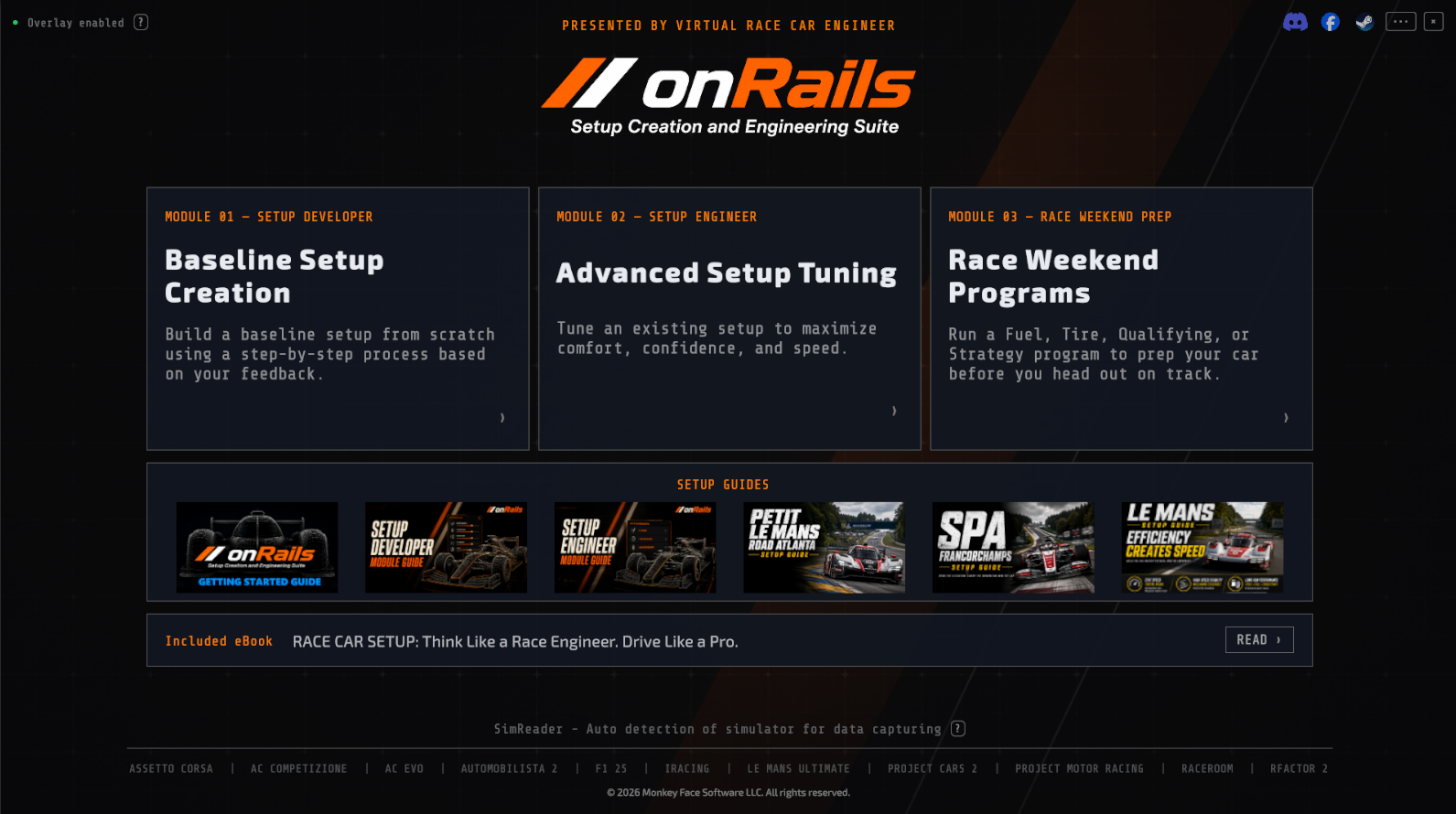
onRails is a transparent overlay that sits on top of your sim. Answer a few questions about how the car feels, and it helps you build a complete setup: springs, dampers, aero, brakes, diff, tailored to your car and track. Then, lap by lap or mid-race, tell it what the car's doing wrong and get the exact change to fix it. No spreadsheets, no alt-tabbing, no downloading a stranger's setup and hoping it works for your style.
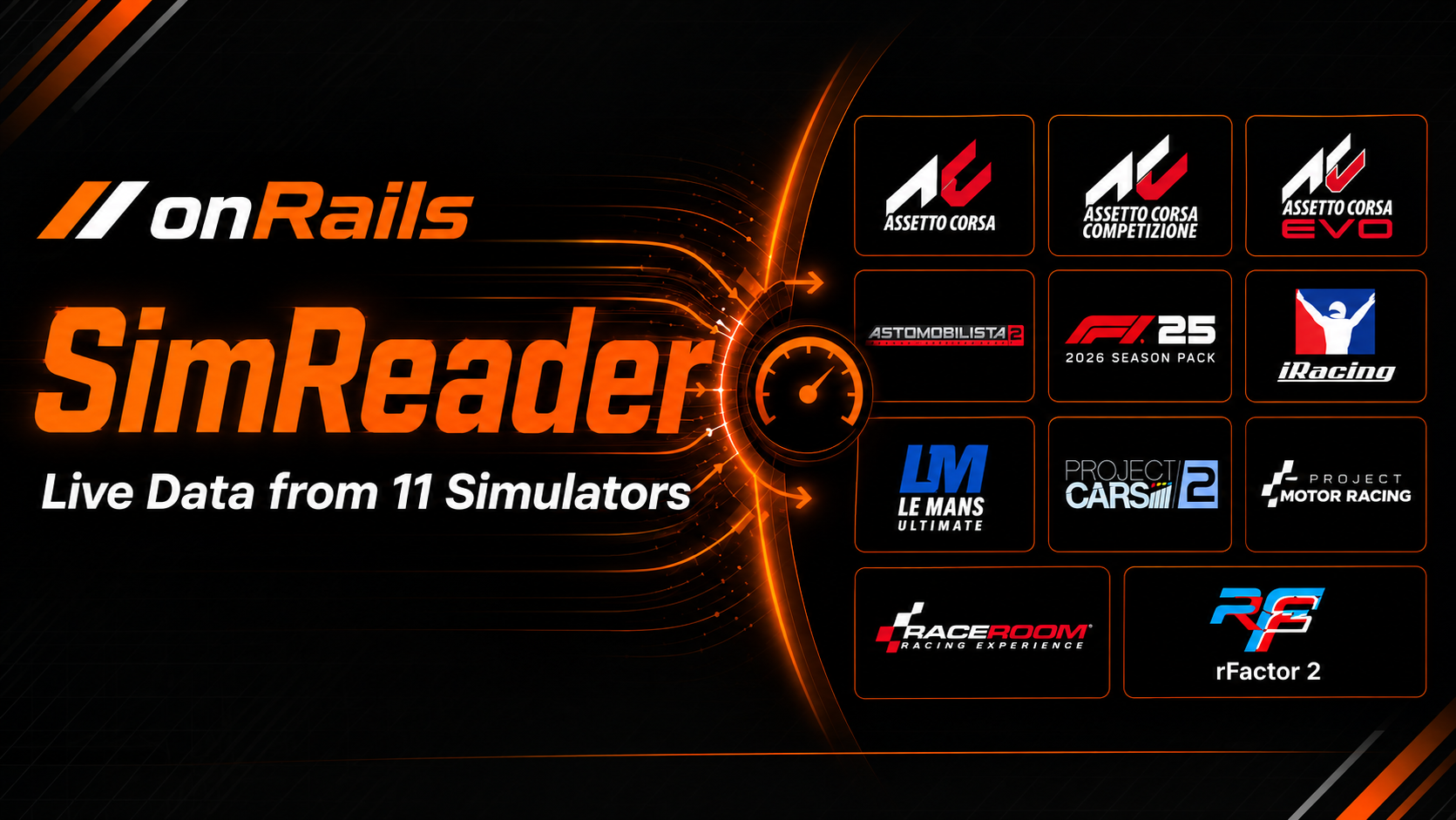
Supported sims: Assetto Corsa, Assetto Corsa Competizione, Assetto Corsa EVO, Automobilista 2, iRacing, Le Mans Ultimate, Project Cars 2, RaceRoom Racing Experience, rFactor 2, Project Motor Racing, and F1'25 (2026 Season). Any other sim still works via manual entry.

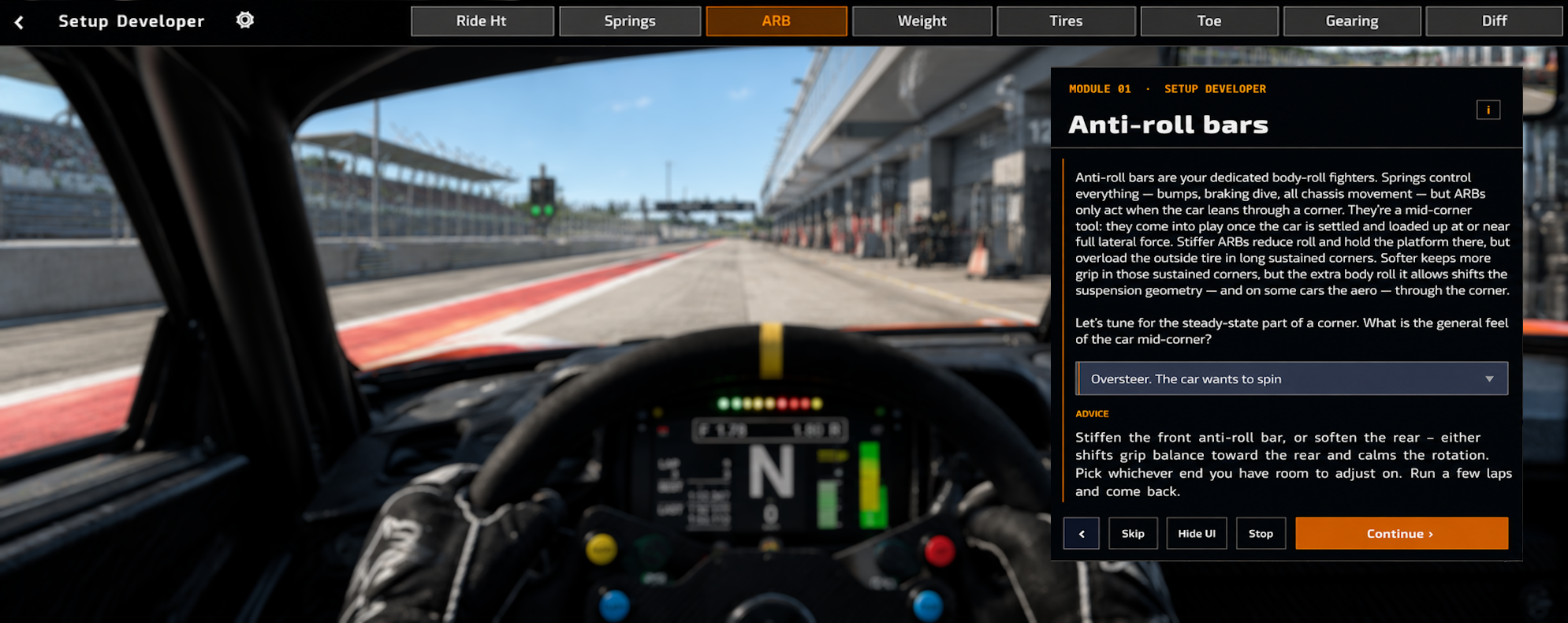
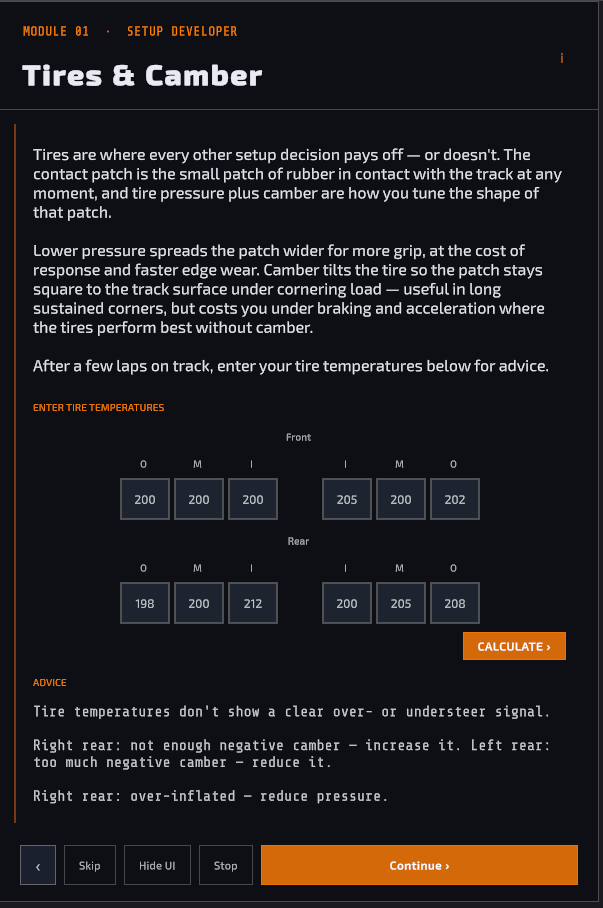
Setup Developer - build your own baseline, one question at a time
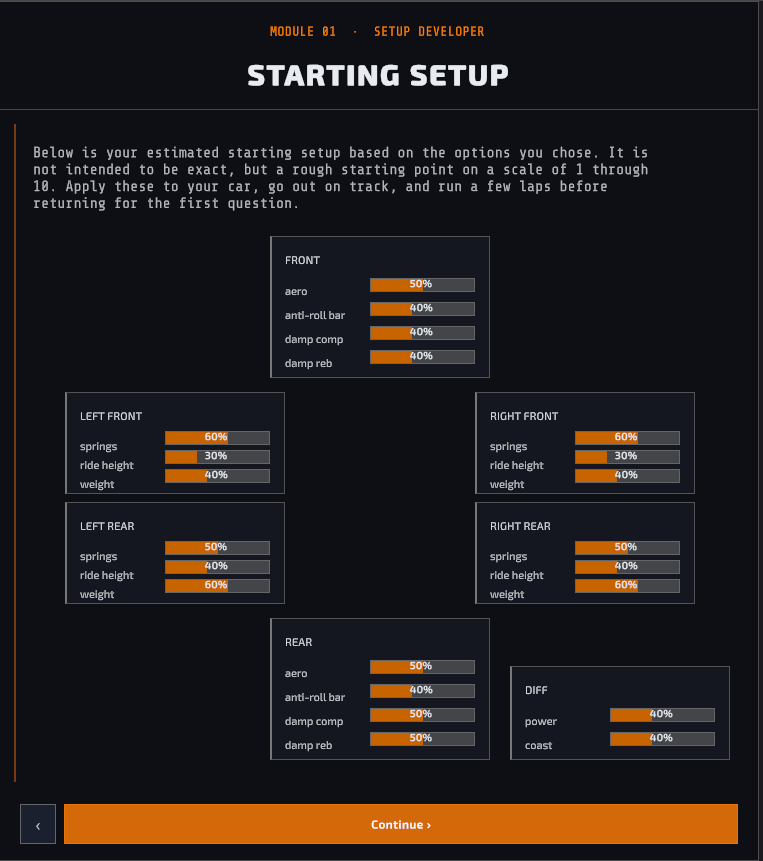
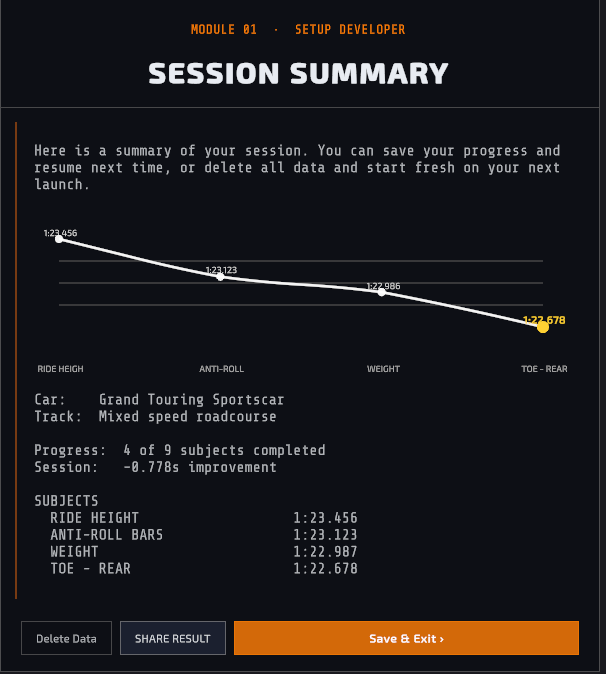
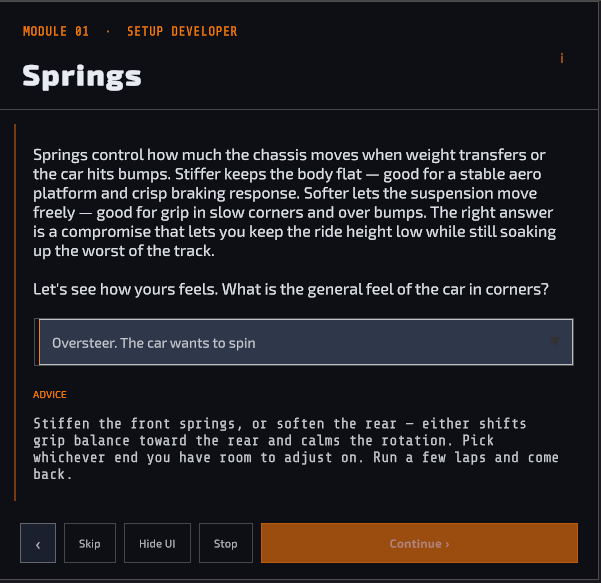
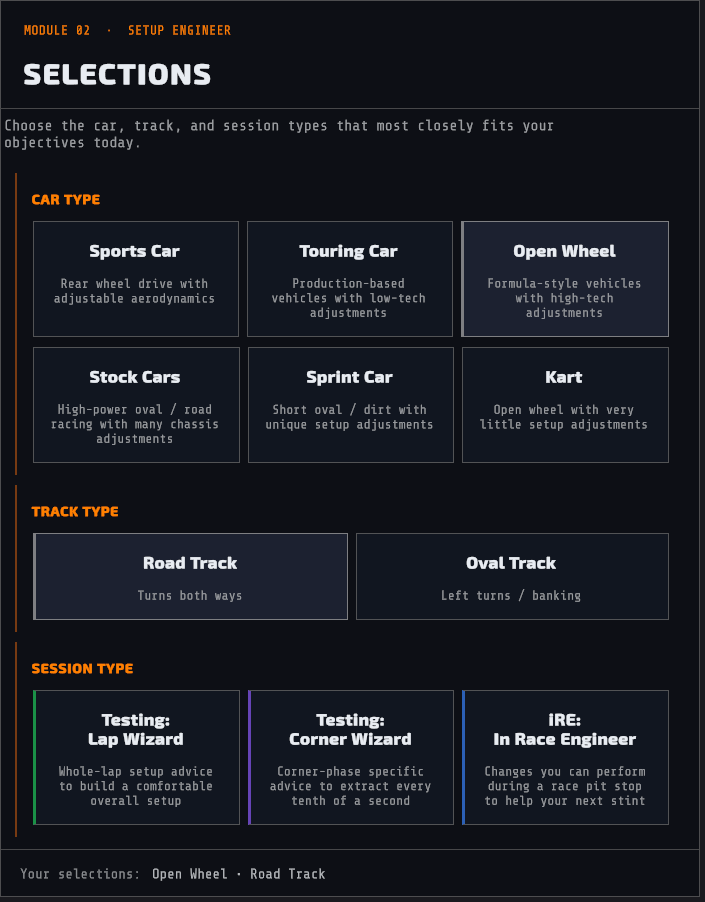
Pick your car and track, answer simple questions about how the car feels in each setup area, and onRails steps you through building a complete starting setup around your answers. By the time you're done, you know why every value is what it is, not just what it is. All major car types and track layouts are supported.
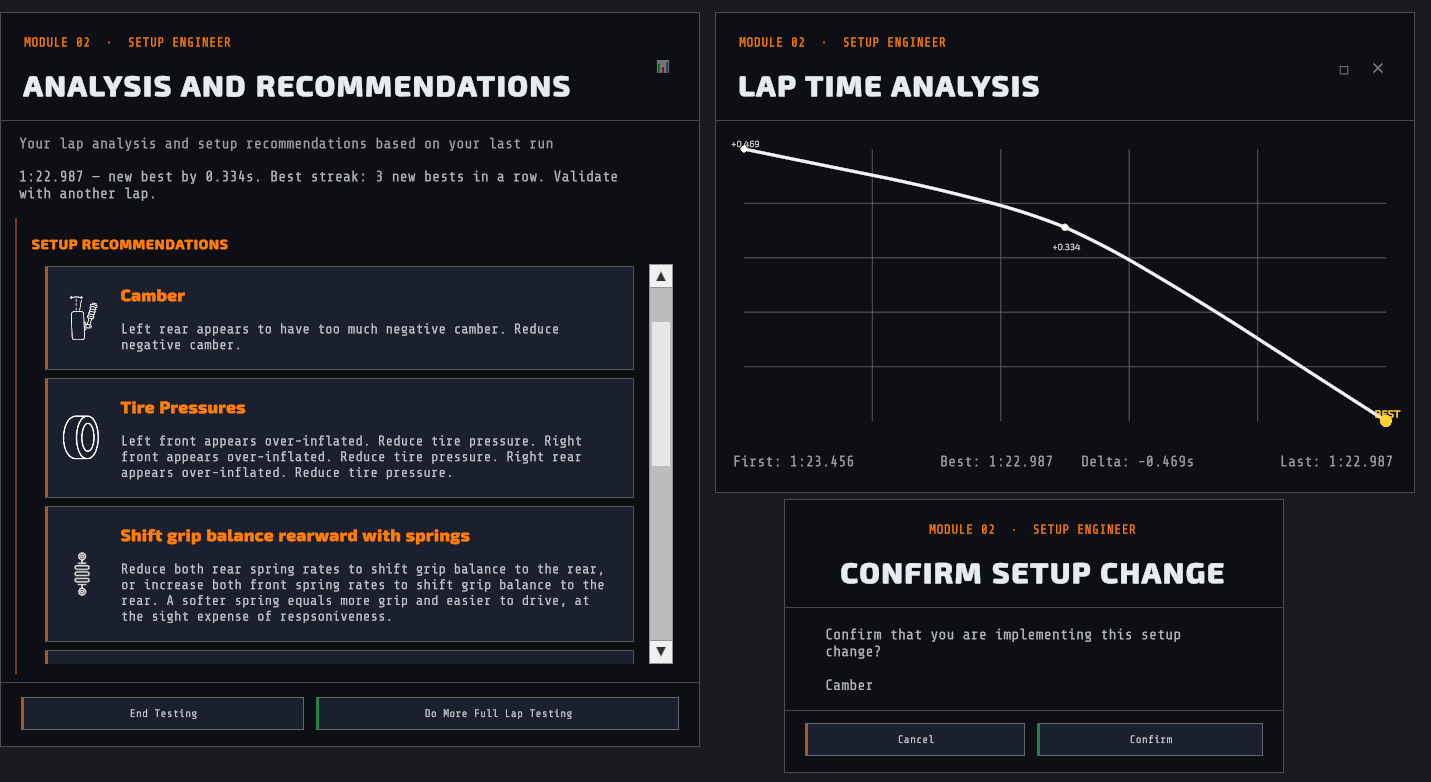
Setup Engineer - fine-tune until it's fast and comfortable
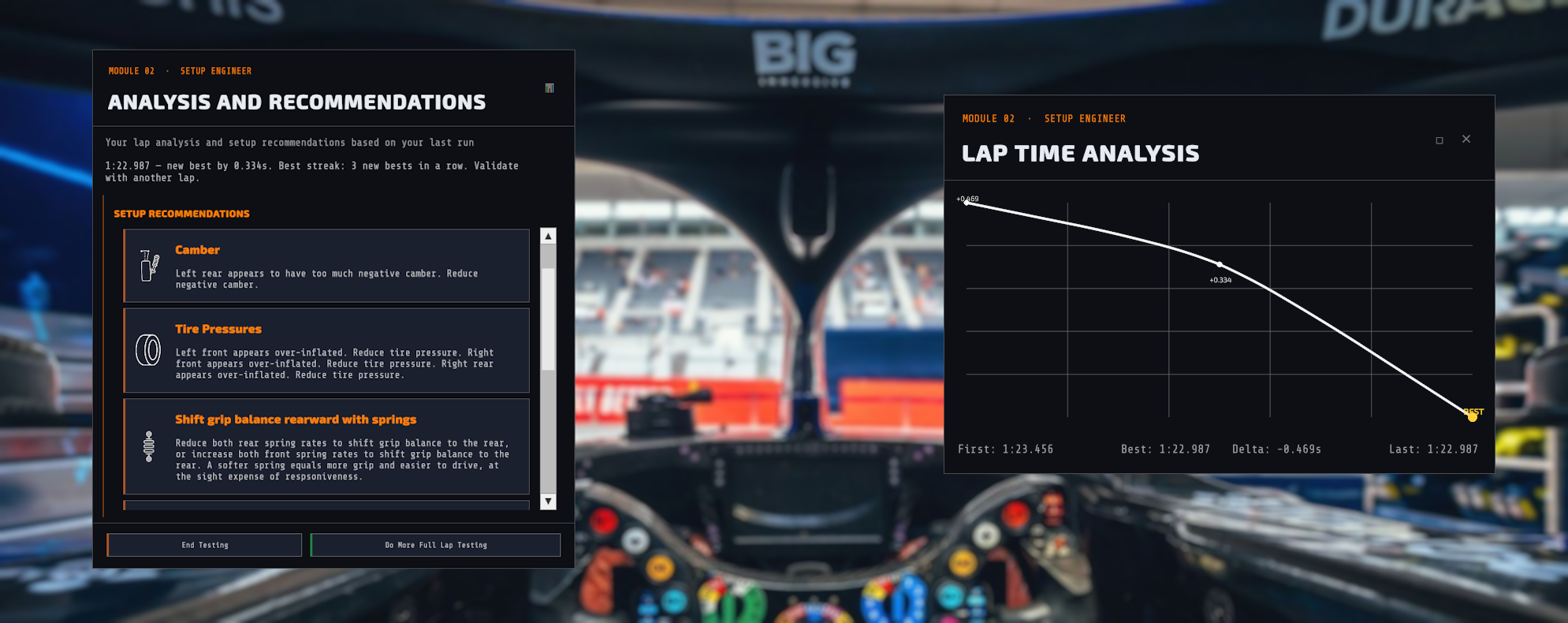
Turn driver feedback into specific, actionable changes — lap by lap, corner by corner, and mid-race.
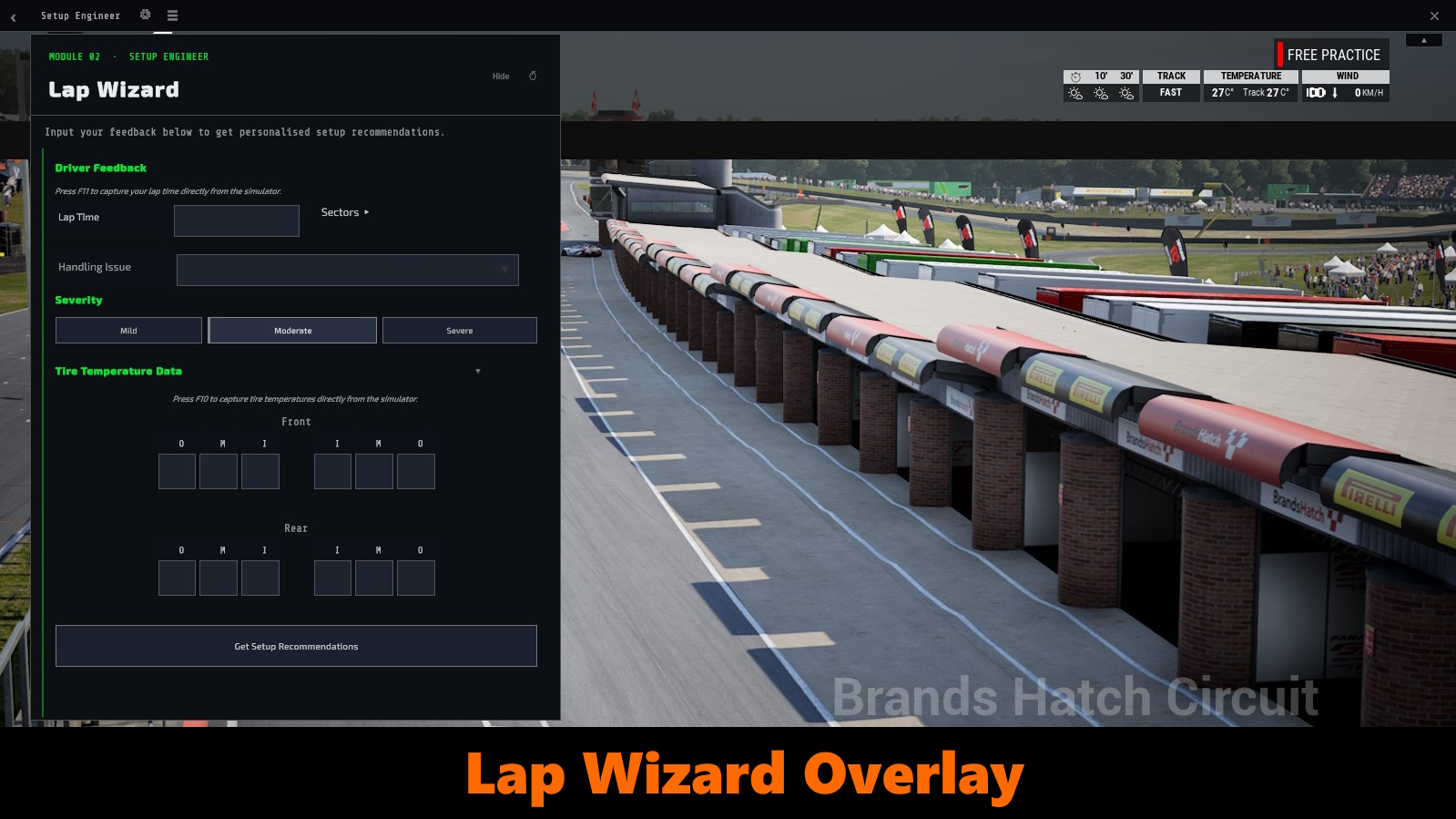
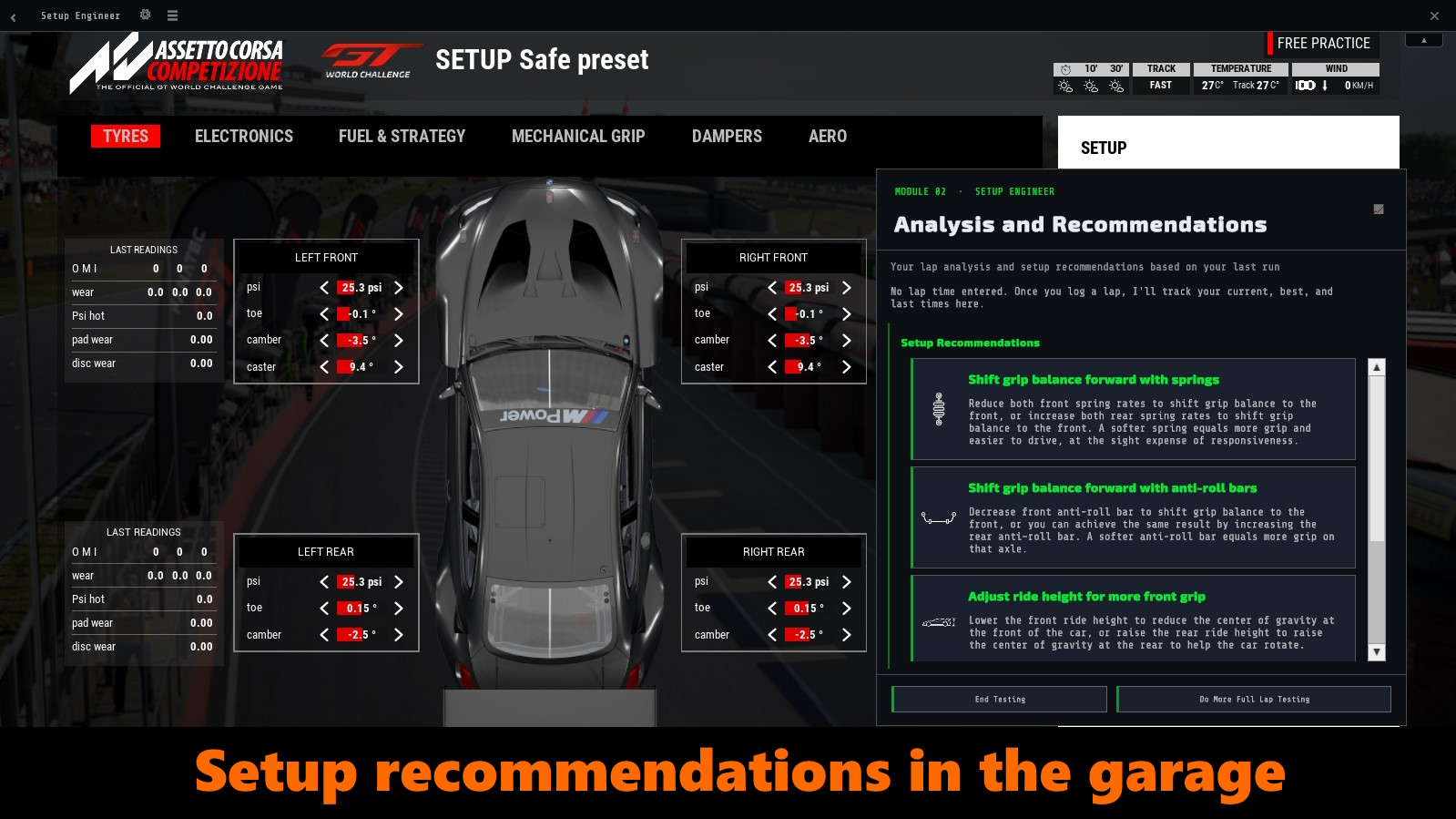
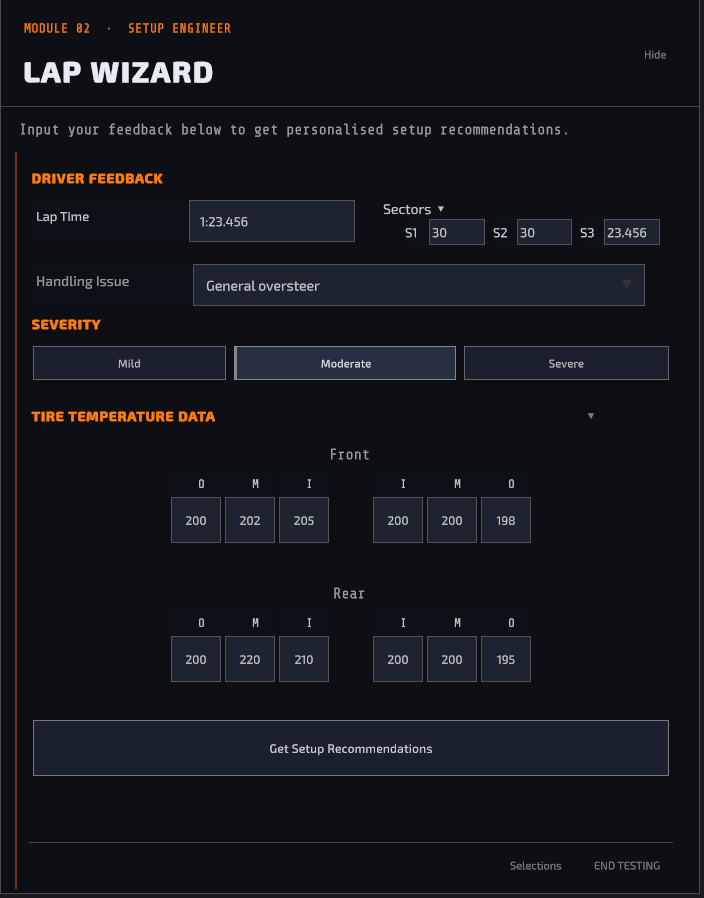
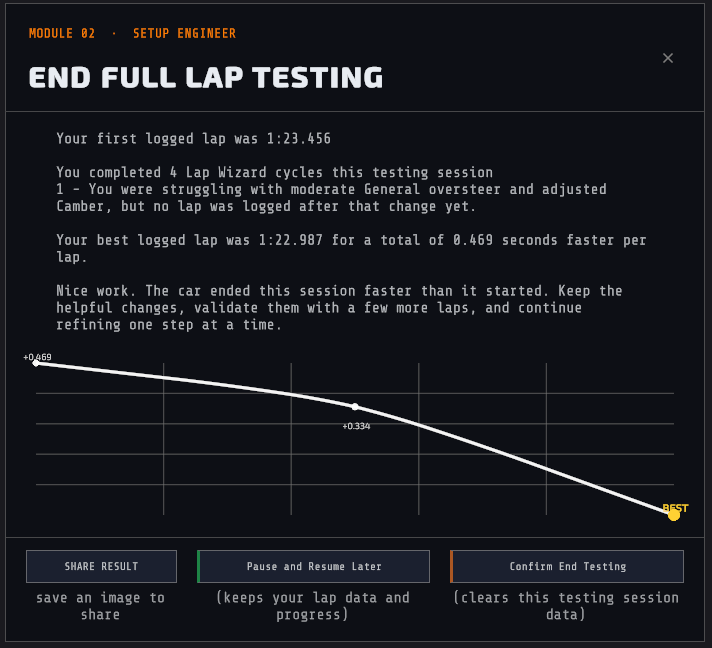
Lap Wizard: You're in the ballpark, but something's off. Log your lap time, describe how the car behaved overall, and get a ranked list of specific changes with plain explanations. Confirm one, log your next stint, and watch the times drop.
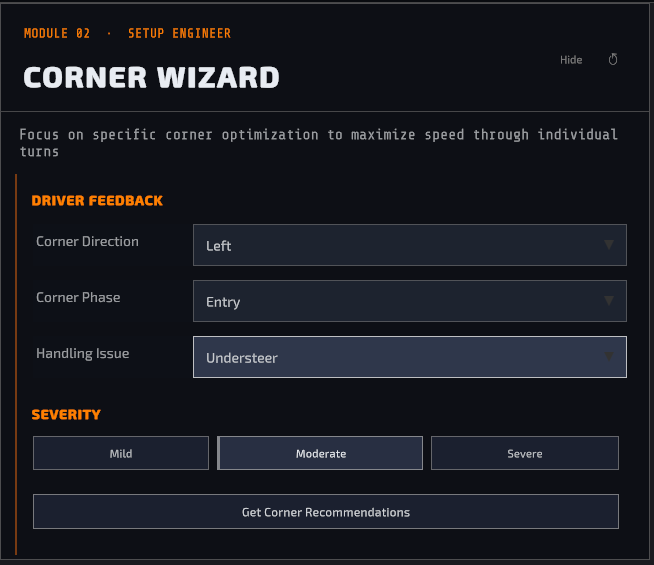
Corner Wizard: Pick the direction, the phase (entry, apex, exit), and what's happening, and get advice scoped to that corner alone, so fixing it doesn't unsettle the rest of the lap.
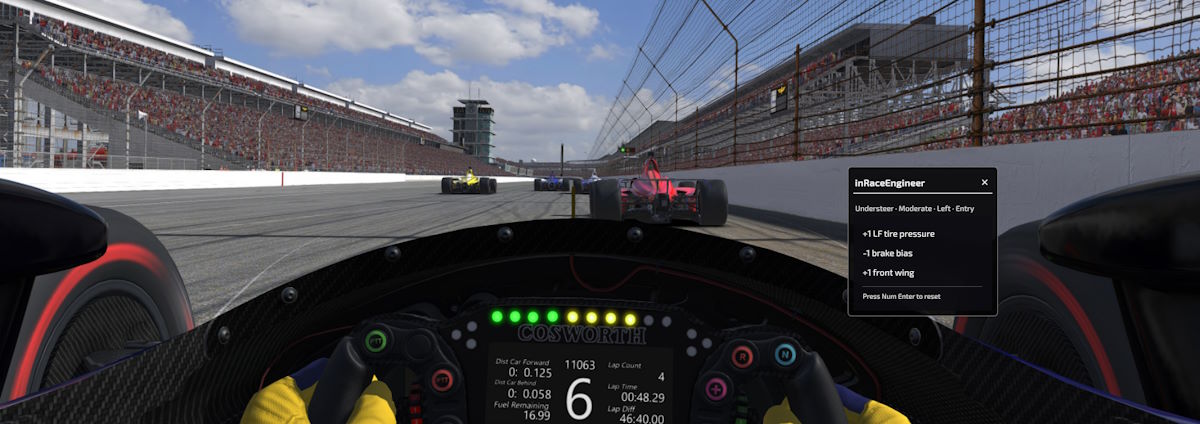
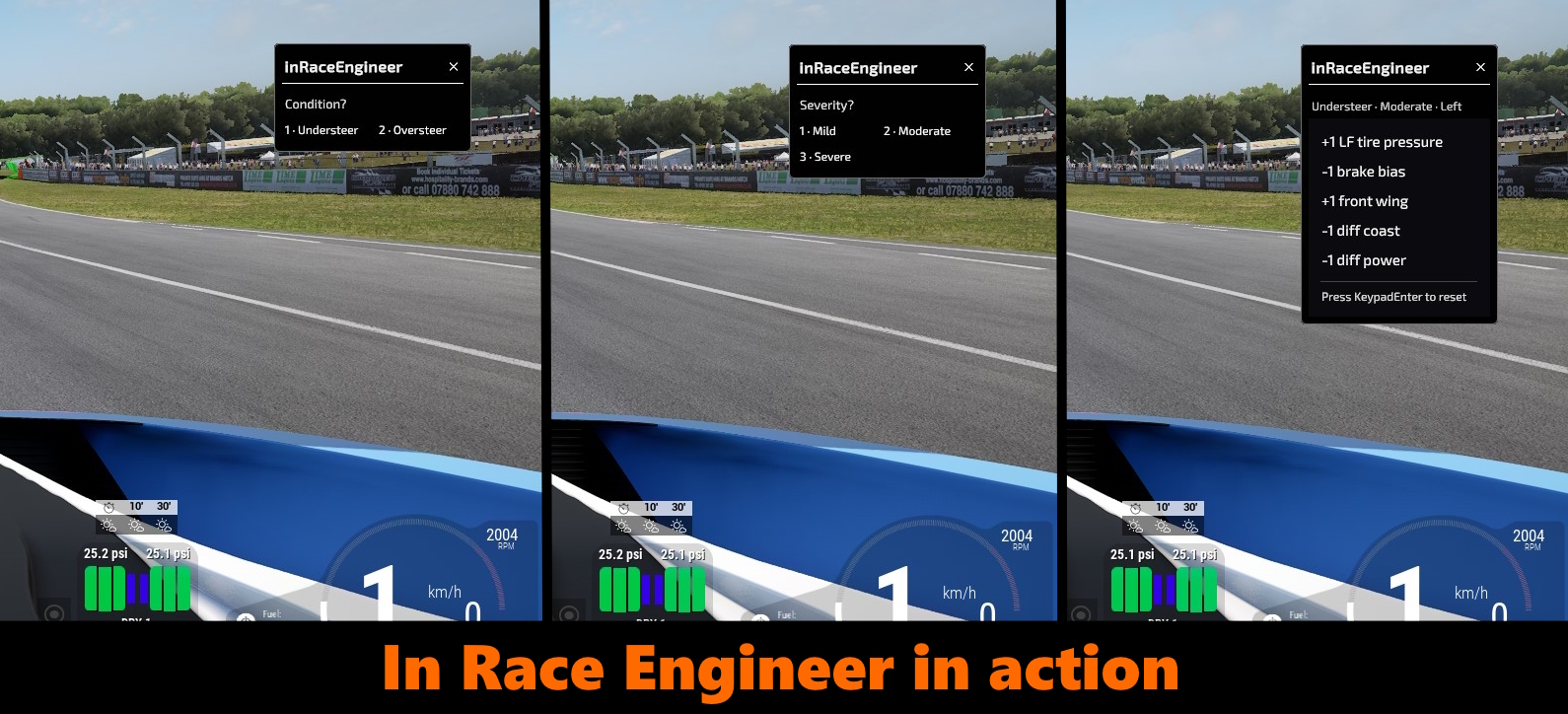
In-Race Engineer: A keyboard-only assistant that takes up almost no screen space. One hotkey to toggle, numpad to answer a couple of quick questions, and you get a one-line recommendation you can act on at your next pit stop.
Coming soon!
Race Weekend Program - show up to the race with real numbers, not a hunch
Four connected programs, run in order, and the fastest strategy falls out the other end. No spreadsheet required.
Qualifying Program: Dial in your qualifying trim separately from your race setup, one change at a time, tested on track before the next.
Fuel Program: Enter your numbers, or let onRails read consumption off 3 laps automatically. Tank capacity saves straight to your Garage.
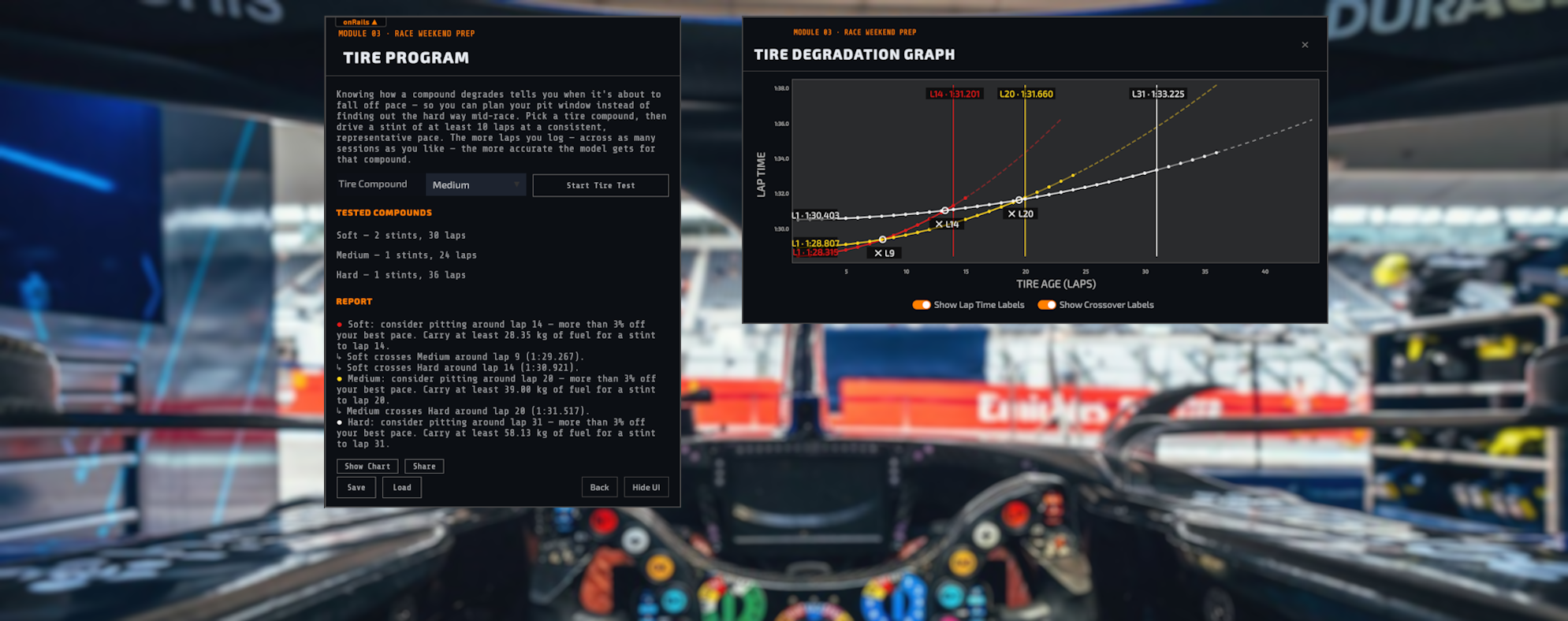
Tire Program: Drive a stint on a compound and onRails builds a degradation curve from your own lap times, so you know when to pit and how much fuel to carry.
Pit Strategy Program: Takes your Fuel and Tire data and works out your fastest pit-stop plan, checking every feasible combination of stops and compounds, not just the obvious one — the best plan gets marked Recommended. Force multiple compounds, set your refuel rate and tire-change time, or lock in mandatory stops, so the plan matches the rules your series actually races under.
Built for your cockpit
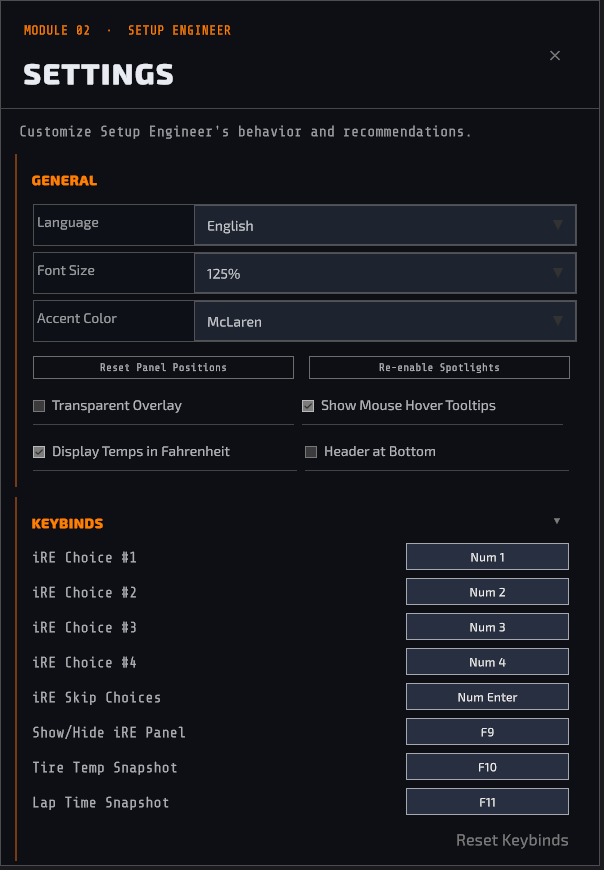
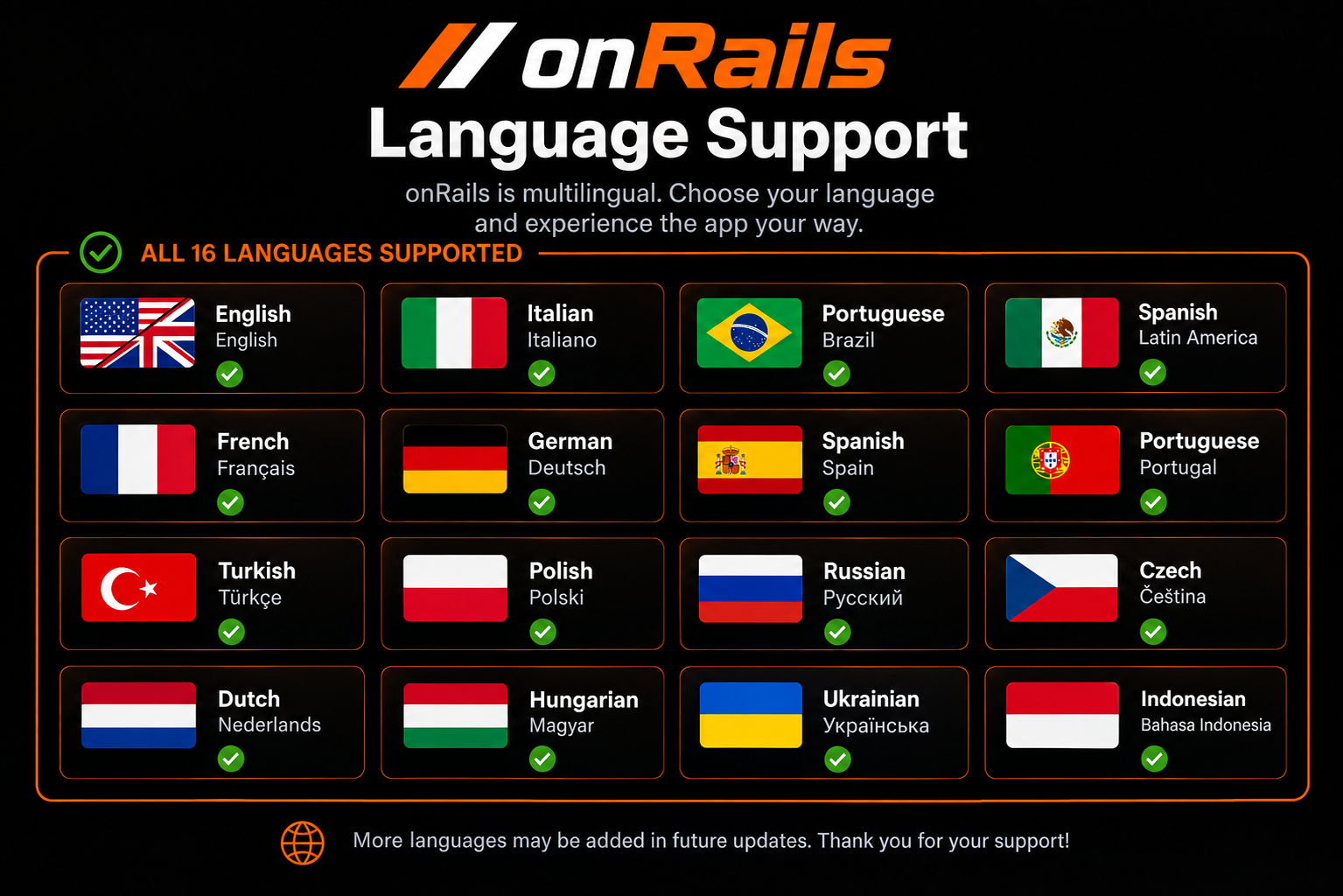
Runs as a windowed panel or a transparent overlay on top of your sim, no second monitor required. Panels, hotkeys, and theme are all yours to customize, fully localized, with built-in tutorials for every panel. Includes the companion eBook "Race Car Setup: Think Like a Race Engineer, Drive Like a Pro", free with your purchase.
Built for sim racers, by a sim racer.
Purchase
In order to download this tool you must purchase it at or above the minimum price of $27.99 USD. You will get access to the following files:
Development log
- onRails v1.1 patch notes46 days ago
- onRails v1.016 patch notes70 days ago
- In-Race Engineer: setup advice without leaving the wheel98 days ago
- SDT Showcase — See It In ActionJun 17, 2026
- Setup Engineer Spotlight — now liveJun 17, 2026
- How SimReader and Overlay Work Together in onRailsJun 17, 2026
Leave a comment
Log in with itch.io to leave a comment.